This AI Workflow Posts for Me While I Sleep
Comment "Workflow" to get the simplified workflow.
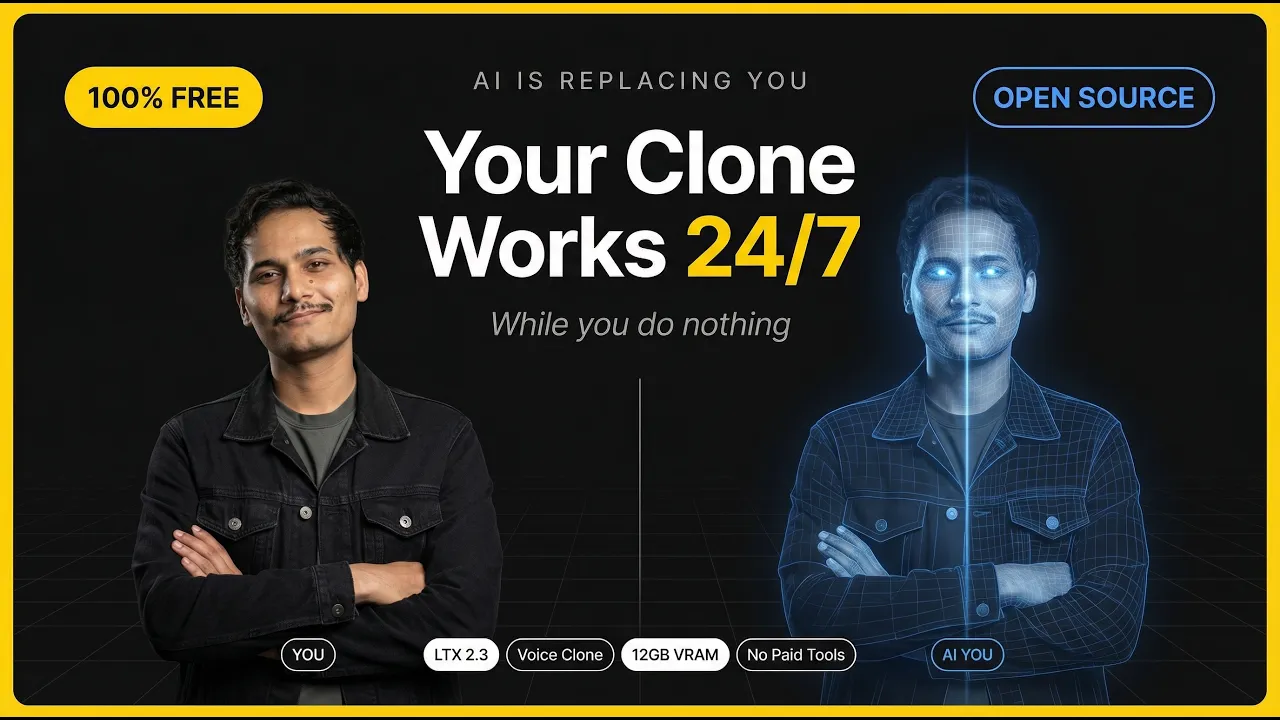
Want to create an AI talking avatar that sounds exactly like YOU — for free? In this step-by-step tutorial, I show you the full AI avatar creation workflow using three powerful free tools.
This is perfect for:
- ✅ AI news channels
- ✅ Social media content automation
- ✅ UGC (User Generated Content) campaigns
- ✅ Faceless YouTube channels (AI)
- ✅ Personal branding with AI
- 📦 MODELS & LINKS:
- 🔢 GGUF Variant (LTX-2.3 Dev):
ltx-2.3-22b-dev-Q8_0.gguf
unsloth/LTX-2.3-GGUFhuggingface.co- 🔁 LoRA — Distilled Dynamic (22B):
- 🔁 LoRA — IC Detailer:
- 🗜️ VAE :
LTX23_audio+video_vae
Kijai/LTX2.3_comfyhuggingface.co- 📐 Spatial Upscaler (2x):
ltx-2.3-spatial-upscaler-x2-1.0.safetensors
Lightricks/LTX-2.3huggingface.co- 🧠 Text Projection:
ltx-2.3_text_projection_bf16.safetensors
Kijai/LTX2.3_comfyhuggingface.co- 💬 Text Encoder — Gemma 3 12B (fp8):
gemma_3_12B_it_fp8_e4m3fn.safetensors
bartowski/gemma-3-12b-it-GGUFhuggingface.co- 🎵 Audio Separator — MelBand Roformer:
- 🗣️ TTS — Qwen3 Voice Clone:
just install missing nodes and you will see where to download the models.
The Workflow
- Image Generation – Use NBP to generate a high-quality avatar image for free (use gemini)
- Voice Cloning – Clone your voice with Qwen 3 TTS for realistic, natural-sounding speech
- Video Creation – Bring it all to life using LTX 2.3 to generate a talking avatar video
- No subscriptions. No expensive software. Just a smart AI stack.
Timestamps
- ─────────────────────────
AI Jigyasa – Practical AI tutorials for creators, marketers & builders.
New videos every week. Subscribe so you don't miss a workflow.
- ─────────────────────────
- 💻 SYSTEM REQUIREMENTS:
- Minimum — 12GB VRAM (RTX 3060 12GB, 4060 Ti 16GB)
ComfyUI (latest version)
- 🔧 TROUBLESHOOTING:
Out of VRAM? Use FP8 quantized model or reduce resolution/length
Blurry results? Use spatial upscaler and increase steps
Inconsistent motion? Improve prompt detail and use negative prompts
Missing nodes? Update ComfyUI to latest version
- 📱 CONNECT WITH ME:
- 🔔 Subscribe for more AI tutorials
- 💬 Join our Discord: [ / discord ]
- 📸 Instagram: @ai_jigyasa
- 🐦 Twitter: @AshishKaprawan
This video is for educational purposes. LTX Video is developed by Lightricks and released under Apache 2.0 license. Always review generated content and respect copyright laws when using AI-generated media.
Like this tutorial? Hit that LIKE button and SUBSCRIBE for more cutting-edge AI tools and workflows!
- 🔻 Drop your generated videos in the comments - I want to see what you create! 🔻