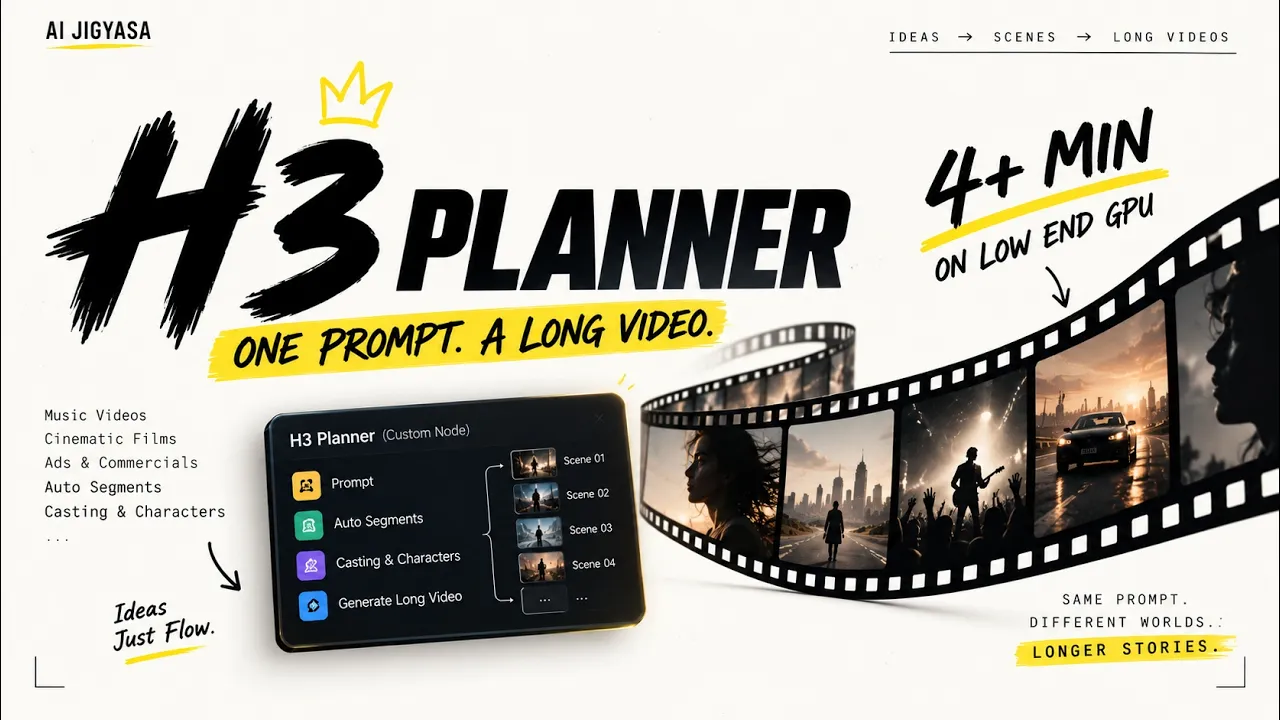
This Custom Node Suite Solves MiniMax H3's Biggest Limit — H3 Planner
In this video, I'll show you how to create multi-minute AI music videos using MiniMax H3 — even on an 8GB or 12GB VRAM GPU like the RTX 3060. I built a custom node suite called H3 Planner that breaks long-form generation into a manageable pipeline: cast management, automated prompt slicing, beat-synced cuts, a full timeline editor, draft-to-final upscaling, and auto-stitching — all inside ComfyUI. This video walks through the entire system and shows a full demo, start to finish.
Featuring H3 Plannergithub.com Workflowbuymeacoffee.com- 💎 This is a paid workflow — free with AI Jigyasa membership (Builder/Prayog and Studio)
Timestamps
Installation
Clone the H3 Planner node suite into your ComfyUI custom_nodes folder:
cd ComfyUI/custom_nodesgit clone https://github.com/AIJigyasa/ComfyUI-H3-PlannerRestart ComfyUI (or install via ComfyUI Manager → search "H3 Planner")
Install dependencies if prompted (Librosa for beat mapping, FFmpeg for stitching)
Model links
diffusion_models-
minimax_h3_fl2va_pruned_int8_convrot.safetensorshuggingface.co For 8gb cardshuggingface.co- 📂 Place in: ComfyUI/models/diffusion_models/
models/text_encoders
qwen3vl_32b_minimax_h3_nvfp4_awq.safetensorshuggingface.co- 📂 Place in: ComfyUI/models/text_encoders/
models/vae
minimax_h3_video_vae_fp16.safetensorshuggingface.co For Low Vram (video vae)huggingface.co Comfy-Org/MiniMax-huggingface.coH3/resolve/main/vae/minimax_h3_audio_vae_fp32.safetensors?download=true
- 📂 Place in: ComfyUI/models/vae/
upscale_models (for final pass)
minimax_h3_latent_upscaler_3d_fp16.safetensorshuggingface.co- 📂 Place in: ComfyUI/models/upscale_models/
local LLM (optional — for H3 Segment Prompter)
Ollama + Qwen VLollama.com- 👍 Support the Channel If you found this helpful:
- 👍 Like the video
- 🔔 Subscribe for more AI workflows
- 💬 Comment what you want to see next