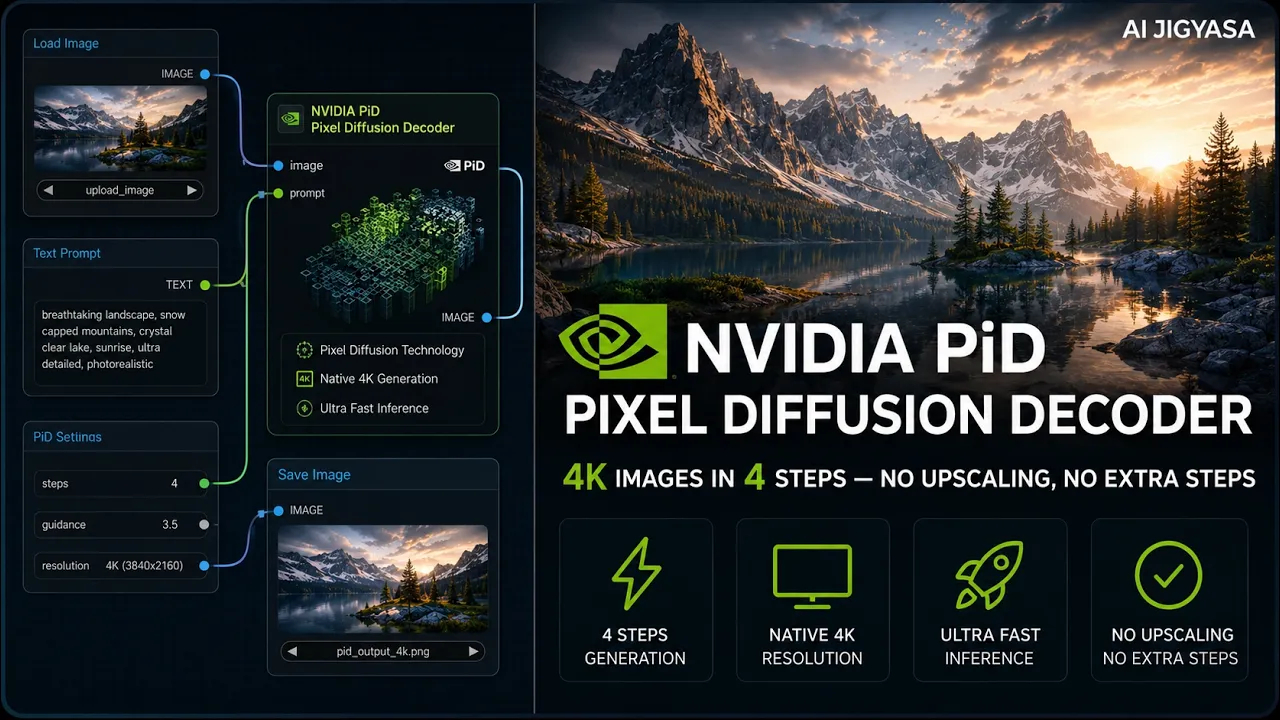
1024 to 4096px in Seconds — Z-Image Turbo + NVIDIA PiD in ComfyUI
In this video, I'll show you how to generate ultra-high-resolution 4K images using Z-Image Turbo combined with NVIDIA's PiD (Pixel Diffusion Decoder) inside ComfyUI — a two-stage pipeline that first generates a 1024px image at lightning speed, then decodes it to stunning 4096px quality in just 4 steps. This is one of the most powerful open-source image upscaling workflows available right now.
Featuring NVIDIA PiD (Pixel Diffusion Decoder)huggingface.coWhat you'll learn
- - NVIDIA P-Model (Pixel Diffusion Decoder) — How it differs from standard image generation by working directly in pixel space.
- - One-Step High-Resolution Generation: The process of creating 2K and 4K images in a single step to save time.
- - Workflow Setup in ComfyUI: Steps to integrate P-model nodes and update your configuration.
- - VRAM Optimization: Differences between FP8 and BF16 model versions for different hardware.
- - Generative vs. Latent Upscaling — A comparison of how P-model enhances fine details like hair and skin texture compared to standard methods.
- - Z-Image Turbo Integration: How to use base models to generate latent images for upscaling.
Model links
Z-Image Turbo (Stage 1)
models/diffusion_models
BF16huggingface.co NVFP4huggingface.comodels/text_encoders
qwen_3_4b.safetensorshuggingface.comodels/vae
ae.safetensorshuggingface.coPiD Decoder (Stage 2)
models/diffusion_models
pid_flux1_1024_to_4096_4step_bf16.safetensorshuggingface.comodels/text_encoders
gemma_2_2b_it_elm_bf16.safetensorshuggingface.co- 👍 Support the Channel If you found this helpful:
- 👍 Like the video
- 🔔 Subscribe for more AI workflows
- 💬 Comment what you want to see next