You Won't Believe How Fast Z-Image Turbo Runs on Low-End PCs
🚀 Generate Stunning AI Images on an 8GB GPU! This is Z-Image – Alibaba's new lightweight powerhouse that delivers photorealistic, bilingual results without needing a supercomputer.
In this tutorial, I'll show you exactly how to set up and run the Z-Image model in ComfyUI, even on a modest 8GB VRAM GPU like the RTX 4060. We're using the efficient GGUF version to get fast, high-fidelity image generation on consumer hardware.
- ⬇️ DOWNLOAD LINKS & RESOURCES ⬇️
ComfyUI Workflow JSON
- 🔧 In this video, you'll learn how to:
- - What is Z-Image?
- - Downloading the required models & files
- - Step-by-step ComfyUI workflow setup
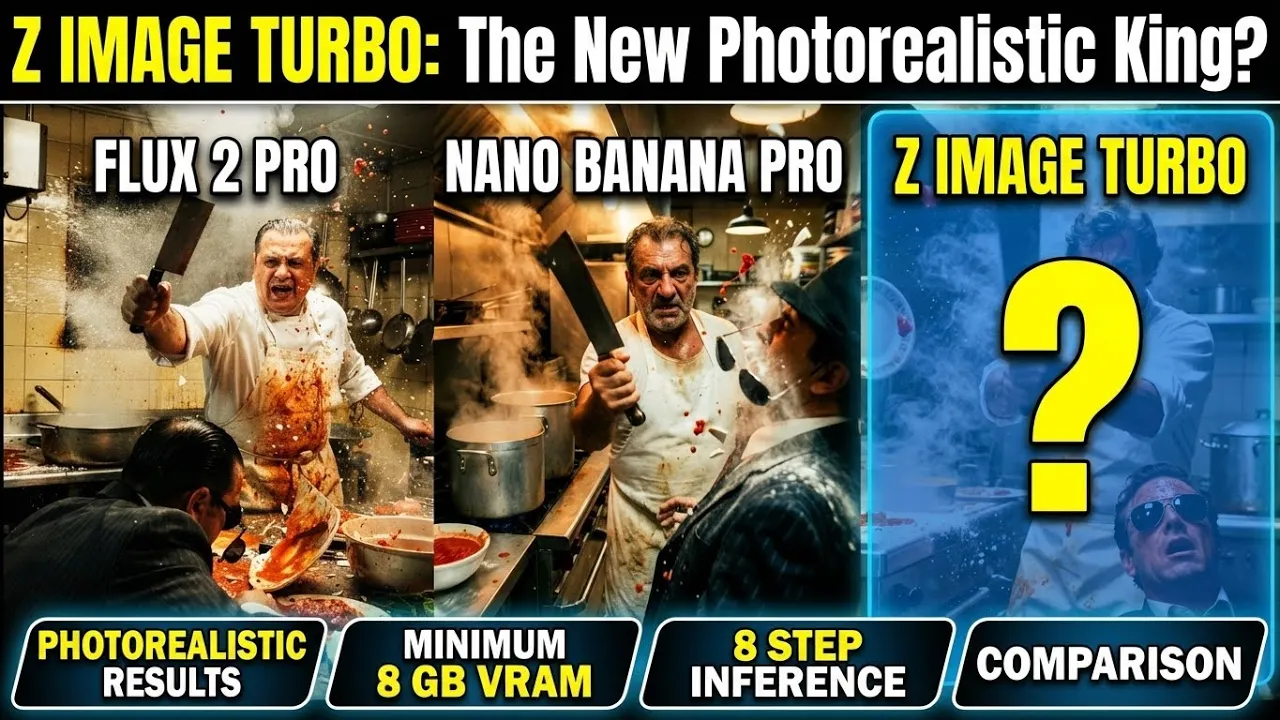
- - Live demo & examples (Flux Pro VS Nano Banana PRO VS Z Image Turbo)
Z-Image proves you don't need a massive GPU for high-end AI art. Its 6B parameter model, built on a Single-Stream Diffusion Transformer, combines incredible visual detail, accurate text rendering, and deep semantic understanding—all while staying incredibly VRAM-efficient.
- 🔔 Love AI content that works on your hardware?
- Subscribe for more Comfyui tutorials on low-VRAM setups