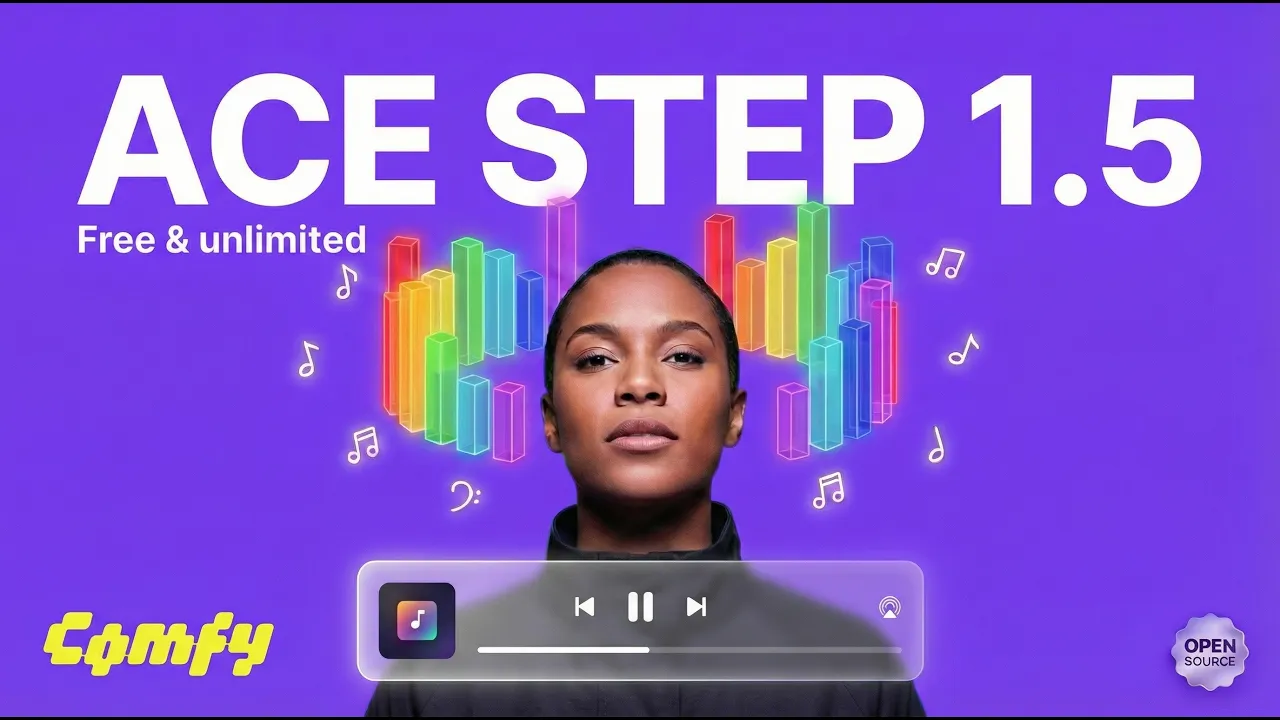
Forget Suno & Udio! ACE STEP 1.5 Creates FREE AI Music (Open-Source Tutorial)
ACE STEP 1.5 just changed the AI music game FOREVER.
While Suno and Udio keep their best features behind paywalls, ACE STEP 1.5 brings professional-grade AI music generation to everyone—completely FREE and open-source. Whether you're a content creator, musician, or AI enthusiast, this is your chance to create studio-quality music without spending a single rupee.
- 🎵 Why ACE STEP 1.5 is Revolutionary:
- ✅ 100% FREE & Open-Source
- ✅ Studio-quality music generation
- ✅ Full vocal & instrumental control
- ✅ Multiple music styles & genres
- ✅ No subscription or credit limits
- ✅ Works locally on your machine
In this complete step-by-step tutorial, I'll show you exactly how to install ACE STEP 1.5, set up the ComfyUI workflow, and start creating your own AI-generated music and songs today.
- ⏱️ VIDEO TIMESTAMPS:
- 🔗 ESSENTIAL LINKS:
- 📥 Workflow Download - Comment "Workflow" below
- 🎓 MORE AI TUTORIALS:
- 💬 JOIN THE COMMUNITY:
- 🔹 Instagram: @AI_Jigyasa
- ☕ SUPPORT THE CHANNEL:
Creating these free tutorials takes time and effort. Support me with a coffee!
👉buymeacoffee.com- ---
- 🎯 WHAT YOU'LL LEARN:
- - Complete ACE STEP 1.5 installation process
- - Setting up ComfyUI for music generation
- - Creating different music styles and genres
- - Generating songs with vocals
- - Advanced prompt techniques for better results
- 📌 WHO IS THIS FOR?
Perfect for content creators needing royalty-free music, musicians exploring AI, YouTubers, podcasters, game developers, and anyone interested in AI music generation.
- 🎼 USE CASES:
- - YouTube background music
- - Podcast intros & outros
- - Game soundtracks
- - Social media content
- - Creative projects
- - Music experimentation
- ---
- 💡 Don't forget to:
- 👍 LIKE this video if you love free AI tools
- 🔔 SUBSCRIBE for weekly AI tutorials
- 💬 COMMENT "Workflow" for free download
- 📤 SHARE with creators who need AI music
- ---