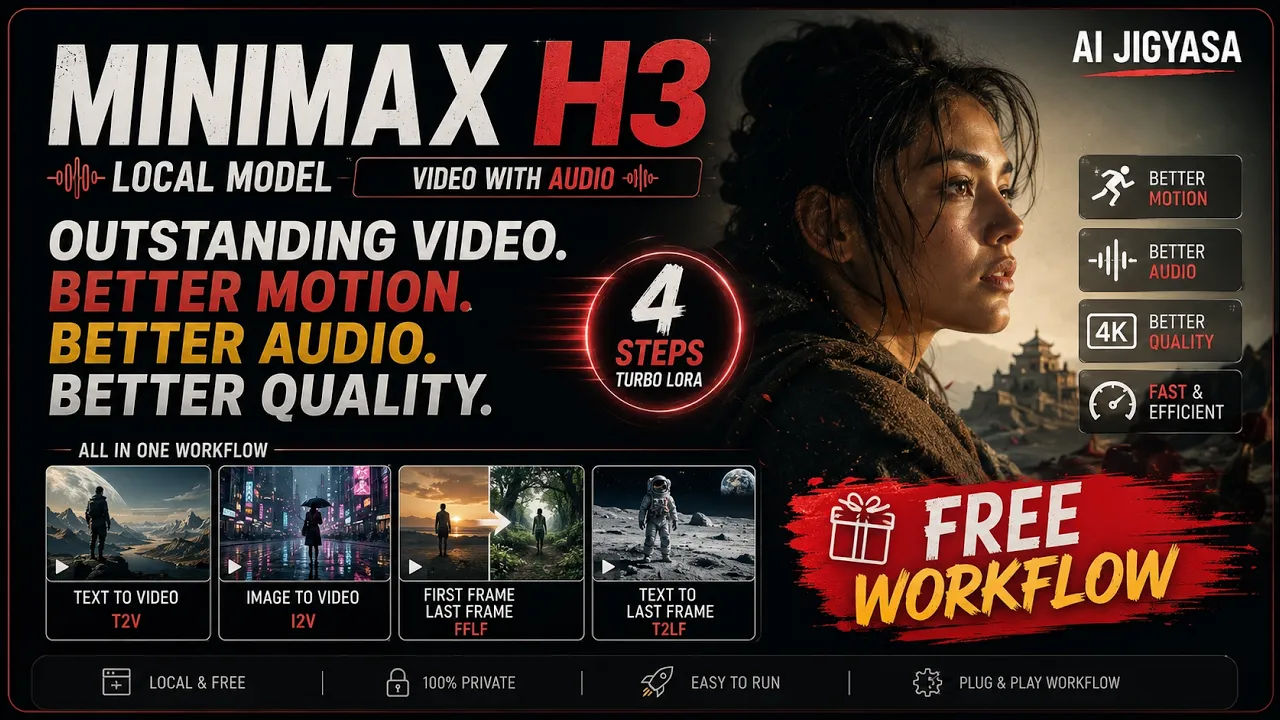
MiniMax H3 is Insane — T2V, I2V, FFLF & Turbo LoRA Full Workflow in ComfyUI
In this video, I'll show you how to run MiniMax H3 locally in ComfyUI — one of the most advanced open-source video generation models right now, with native stereo audio, multi-shot consistency, and built-in text rendering. I'll walk you through T2V, I2V, First & Last Frame, and Text-to-Last-Frame workflows, plus how to use the H3 Turbo LoRA by Larryvrh to get high-quality results in just 6 steps.
Featuring MiniMax H3huggingface.co H3 Turbo LoRA by Larry VRhuggingface.coWhat you'll learn
- Optimizing for 12GB VRAM — Run the 40GB H3 model using pruned int8 models
- T2V, I2V, First & Last Frame, Text-to-Last-Frame workflows
- H3 Turbo LoRA integration — high quality in 6 steps
- Native audio, sound effects & in-video text rendering
- Multi-shot & consistent character generation
- Resolution & aspect ratio control (480p to 1080p)
- 8GB VRAM alternative models
Workflow
Workflow downloadbuymeacoffee.comPrompt guide-
MiniMax-AI/MiniMax-H3github.comModel links
models/diffusion_models
INT8 Pruned (12GB)huggingface.co 8GB VRAM modelshuggingface.comodels/text_encoders
qwen3vl_32b_minimax_h3_nvfp4_awq.safetensorshuggingface.comodels/vae
minimax_h3_video_vae_fp16.safetensorshuggingface.co minimax_h3_audio_vae_fp32.safetensorshuggingface.co Preview VAE (memory efficient)huggingface.comodels/loras
H3 Turbo v4huggingface.comodels/custom_nodes
H3 Turbo Nodegithub.com- 👍 Support the Channel If you found this helpful:
- 👍 Like the video
- 🔔 Subscribe for more AI workflows
- 💬 Comment what you want to see next