MiniMax H3 Latent Upscaler — High-Res Video on 12GB VRAM in ComfyUI
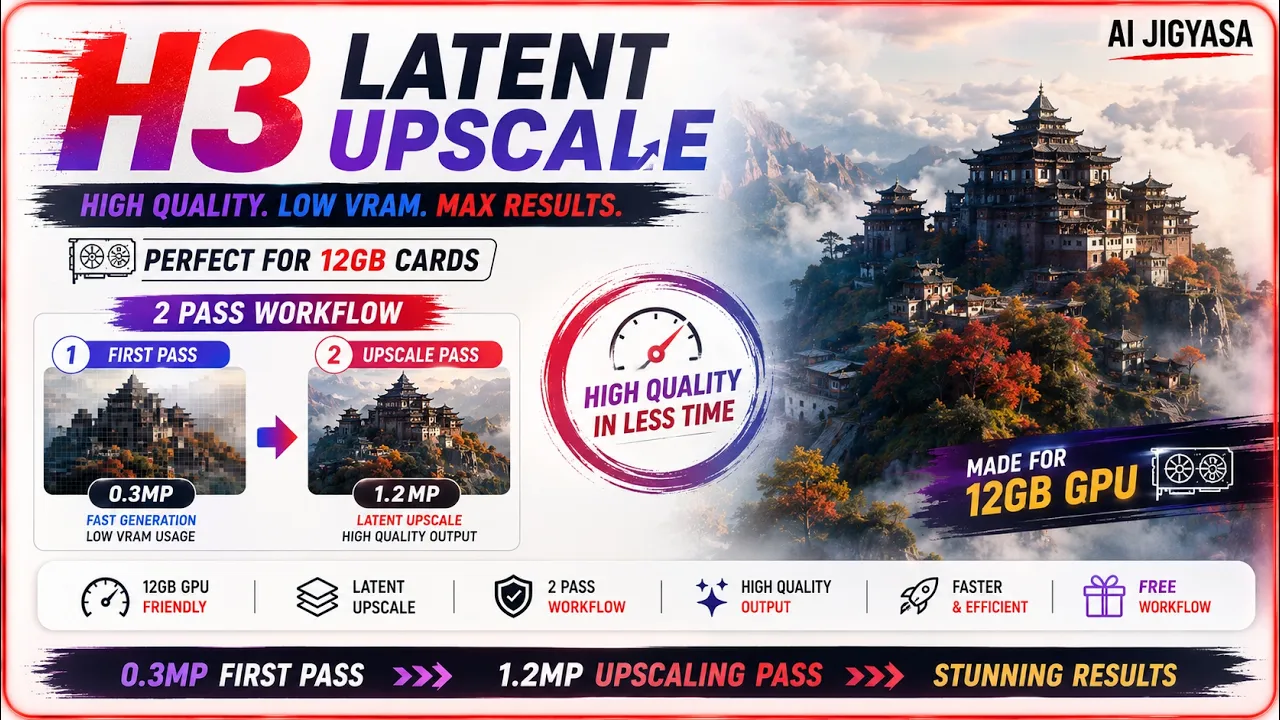
In this video, I'll show you how to use the MiniMax H3 Latent Upscaler to generate high-resolution AI videos faster, even on a 12GB VRAM GPU. This two-pass workflow generates at low resolution (0.3 megapixels) first, then upscales directly in latent space to 1.2 megapixels — no memory errors, no separate upscale pass on pixel space. This is the fastest way to get high-res H3 output without needing a beefier GPU.
Featuring MiniMax H3 Latent Upscalergithub.comWhat you'll learn
- MiniMax H3 Latent Upscaler Overview — A solution for 12GB VRAM GPUs to upscale videos without memory errors
- Two-Pass Workflow — Generating at low resolution (0.3MP) first, then upscaling to high resolution (1.2MP)
- Installation & Setup — Installing the custom node via GitHub and organizing model files (FP16, FP32, or BF16)
- Prompt & Reference Consistency — Same prompts and images to maintain character and motion details
- Node Configuration — H3 Prompt Creator, Resolution Selector, separating video/audio latents
- Performance Optimization — Kitchen Attention for faster processing on consumer hardware
- Visual Comparisons — Side-by-side results showing improved detail and lip-sync in upscaled scenes
Workflow
Workflow downloadbuymeacoffee.comInstallation
Clone the custom node into your ComfyUI custom_nodes folder:
cd ComfyUI/custom_nodesgit clone https://github.com/LBH-123-AI/Comfyui_Minimax_h3_latent_UpscalerRestart ComfyUI (or use ComfyUI Manager → Install via Git URL)
Download one of the upscaler models below and place it in:
ComfyUI/models/latent_upscale_models/
Model links
MiniMax H3 Latent Upscaler (choose one)
BF16huggingface.co FP16huggingface.co FP32huggingface.co- 📂 Place in: ComfyUI/models/latent_upscale_models/
models/diffusion_models
minimax_h3_fastvideo_vsa_datafree_1300step_4step_int8_convrot.safetensorshuggingface.co- 📂 Place in: ComfyUI/models/diffusion_models/
models/text_encoders
qwen3vl_32b_minimax_h3_nvfp4_awq.safetensorshuggingface.co- 📂 Place in: ComfyUI/models/text_encoders/
models/vae
minimax_h3_video_vae_fp16.safetensorshuggingface.co minimax_h3_audio_vae_fp32.safetensorshuggingface.co- 📂 Place in: ComfyUI/models/vae/
- 👍 Support the Channel If you found this helpful:
- 👍 Like the video
- 🔔 Subscribe for more AI workflows
- 💬 Comment what you want to see next